BackPortfolio / AI integration

Bringing AI into content production

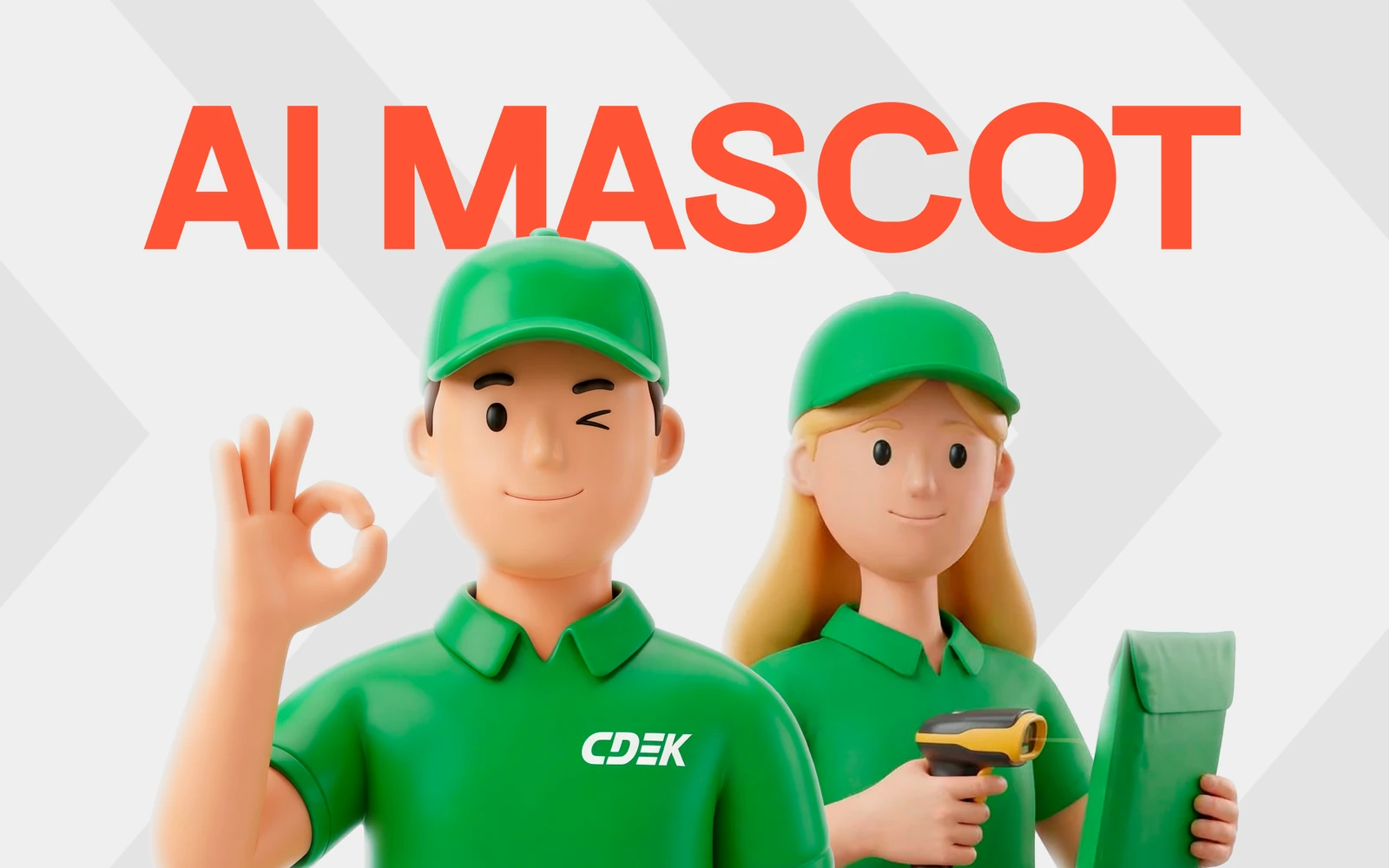
I rebuilt the process so the first pass of concept development goes to AI, and human work starts where it's actually needed.

Role
Designer, a “translator” between marketing and AI
Context
Content production for a marketing team
Challenge
Break the endless revision loop
Tools
AI models, prompt engineering, hand-finishing

The numbers

−25%AI budgetcut
1 dayArtwork prepwas 3 days · ×3
40–50Artworks a monthwas 20–25
+35%Banner click-throughCTR
2–3Iterations to the resultinstead of a hundred images

Challenge

When I joined the organisation, content production looked like a closed loop: task, brainstorm of ideas and formats, prototype, edits, a change of concept, prototype again, edits again. Every cycle ate up time and resources, and the result still needed rework.

I proposed a different setup: the first pass of concept development goes to AI, and human work begins where it's genuinely needed.

What it looked like in practice

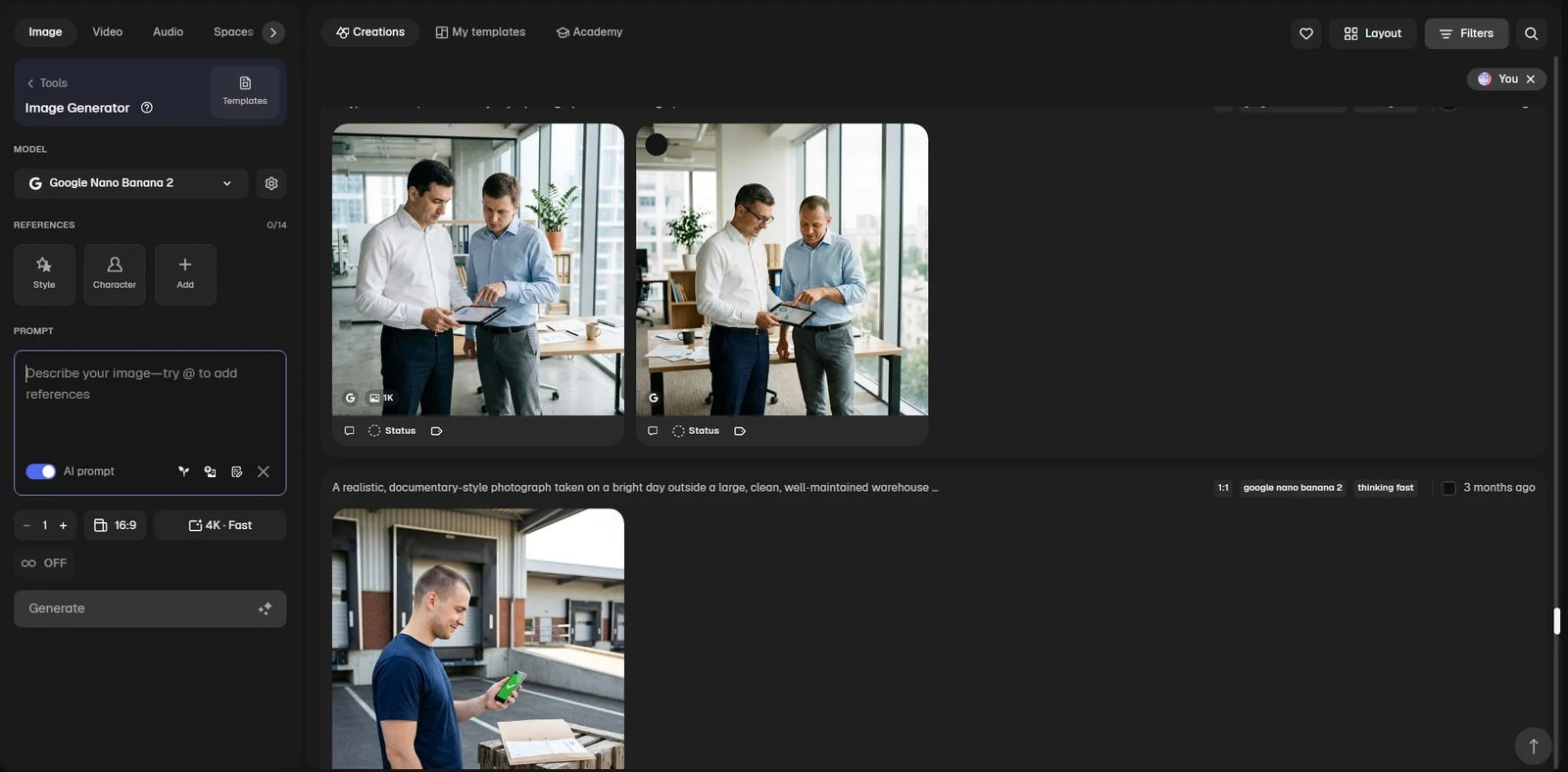
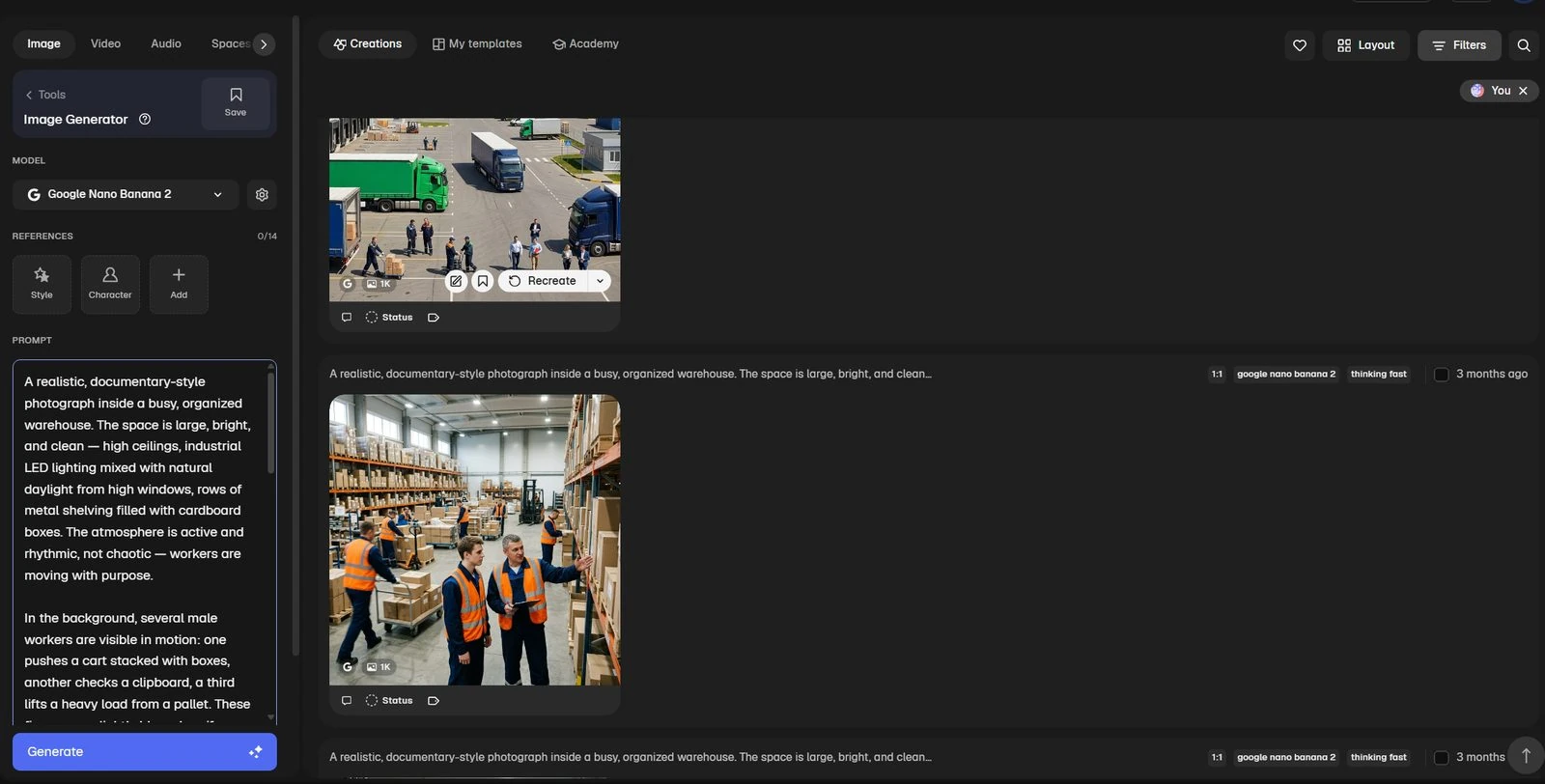
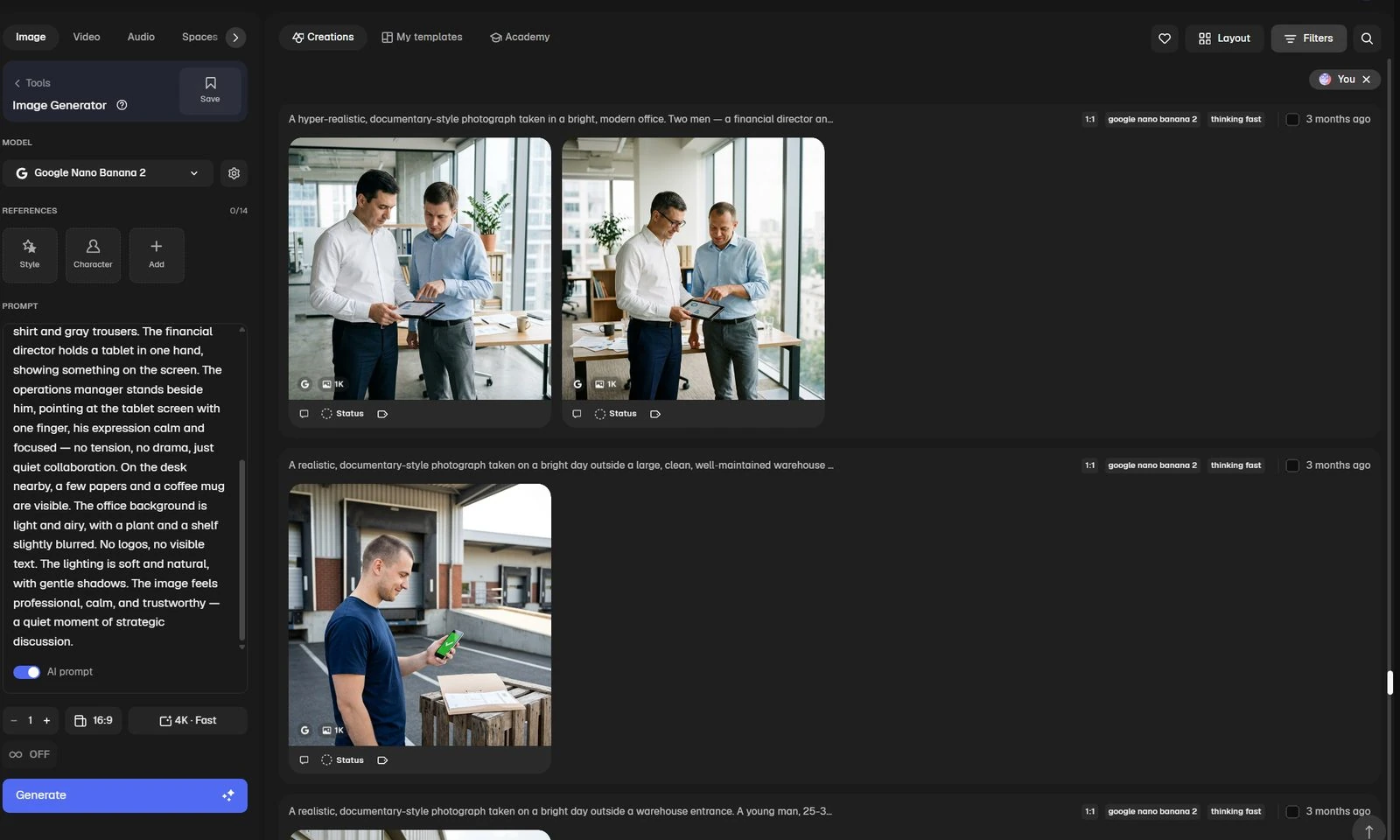
Setting the task and the brief for the model
Reviewing concepts and edits
Selection and hand-finishing

Process

01

A translator between marketing and AI

At first I took on the role of translator between the marketers and the AI. We discussed the goals and tasks the final product had to serve, then I wrote the brief for the model. That kept us from burning hours on empty discussions and showed the direction right away.

02

Concepts in broad strokes

The model offered a few concepts in broad strokes. I brought them to a working state by hand and started production — instead of guessing at options blind.

03

Create, don't search

Stock photography was a story of its own. Digging through thousands of unsuitable images took no less time than generating them. I moved the process onto a different plane: the right image is easier to create than to find.

04

Targeted notes instead of “make it prettier”

Instead of vague phrases like “make it more alive, prettier, more realistic” and a full redo of the image, I gave targeted notes that set a clear direction for generation.

One example — people at work. Standard generation produced people who were too smooth and plastic, people you don't believe in. I filled those in with accent details from the real world.

05

A pool of prompt additions

Gradually a pool of base additions for prompts took shape. It made it quick to generate images with people where the mood and tone of the scene came through clearly.

Before: AI slop

AI results without a human who has an eye and a clear vision of the outcome give you AI slop right away. You can see it at a glance — this is what the attempts looked like before the process was tuned.

The illustration clashes with the photo style
A scene that isn't from the workplace
Glossy stock with no meaning
Off in tone and audience

After: a set in one style

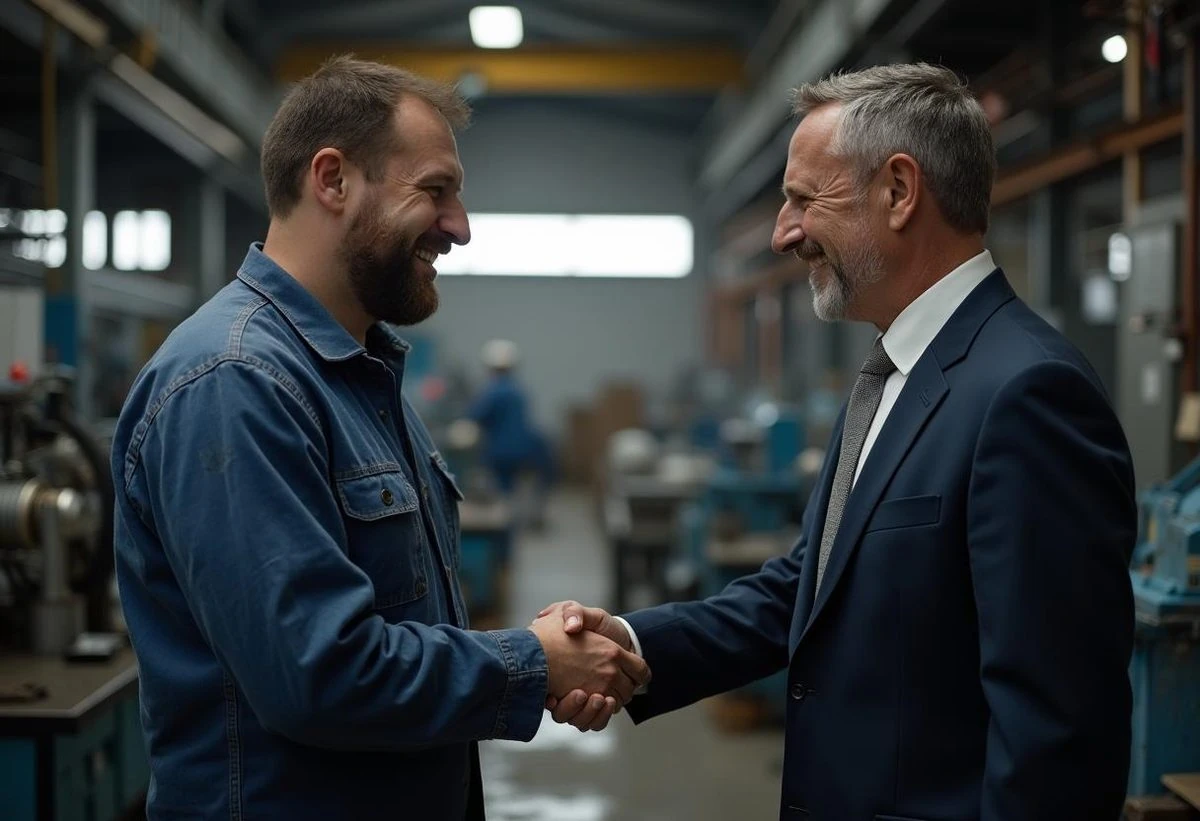
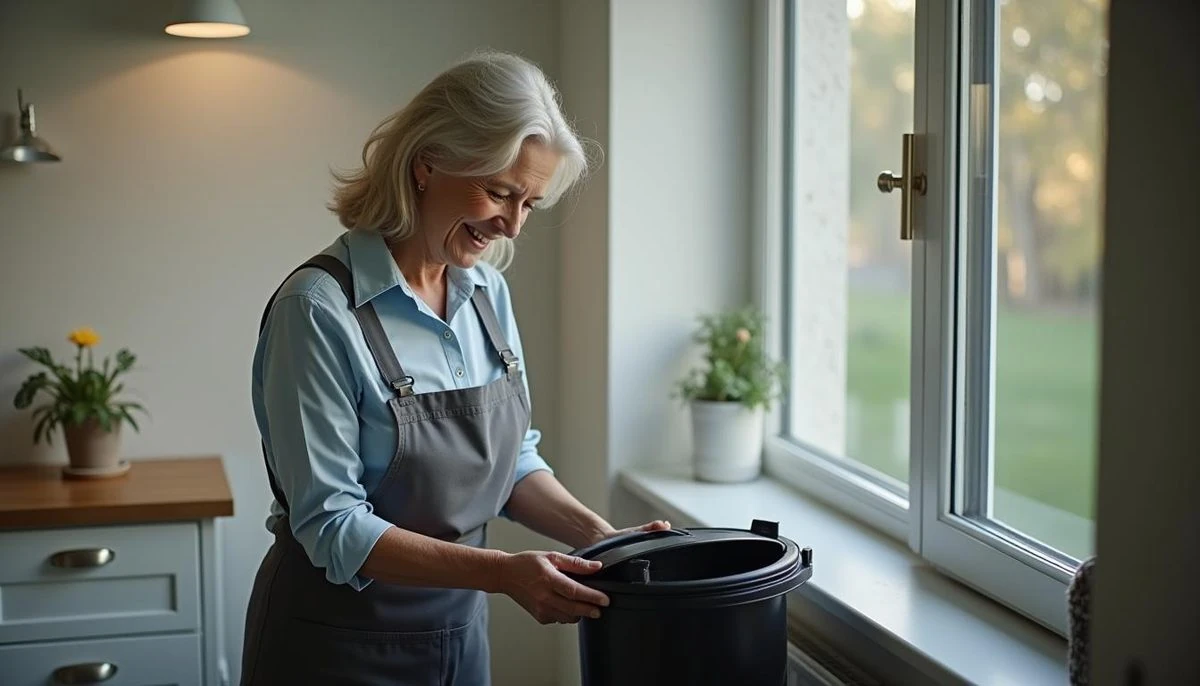
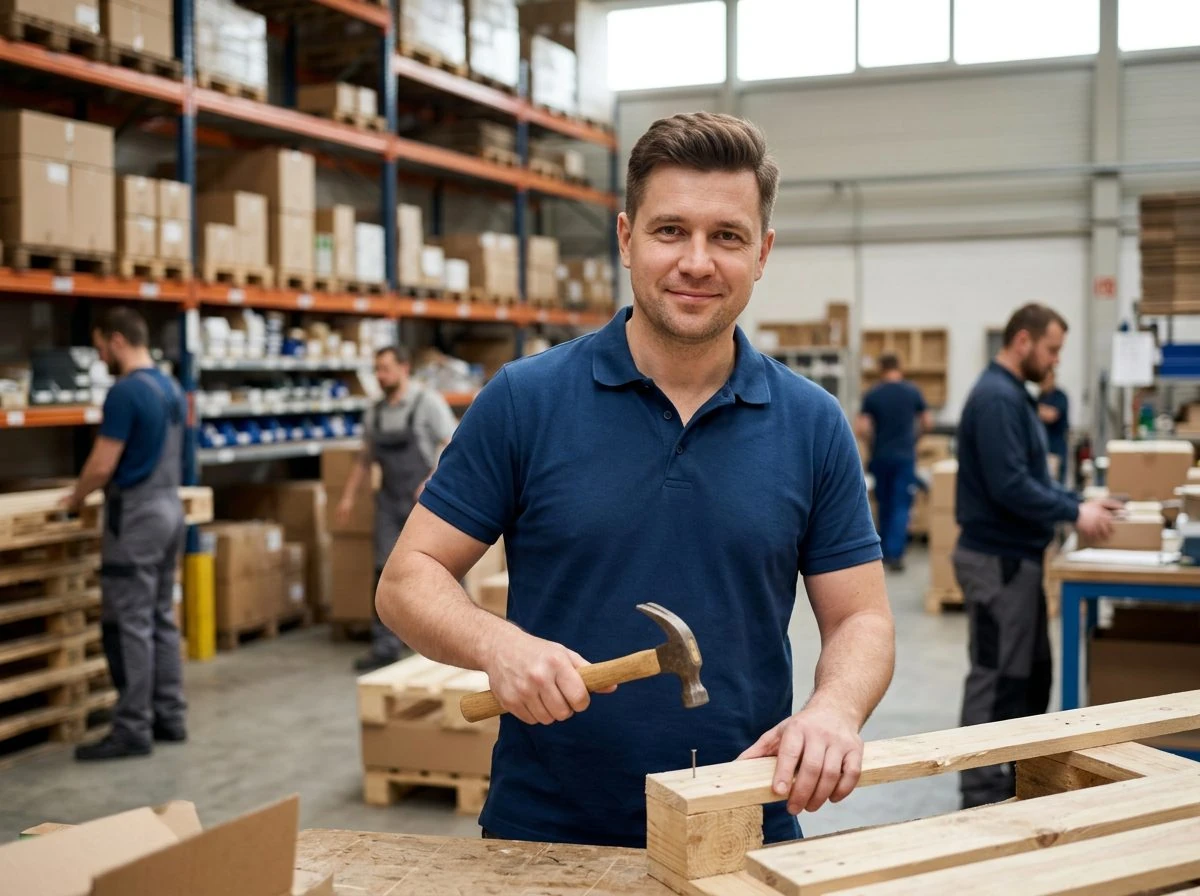
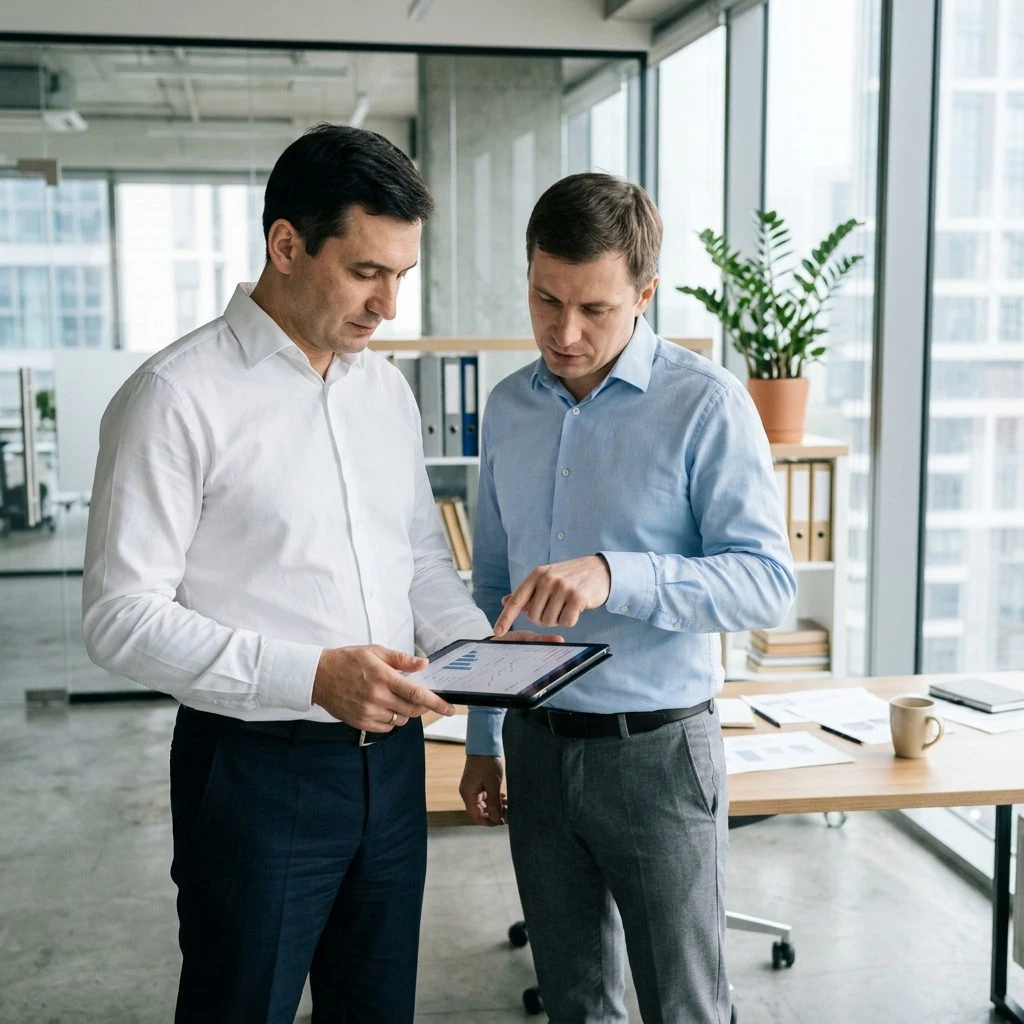
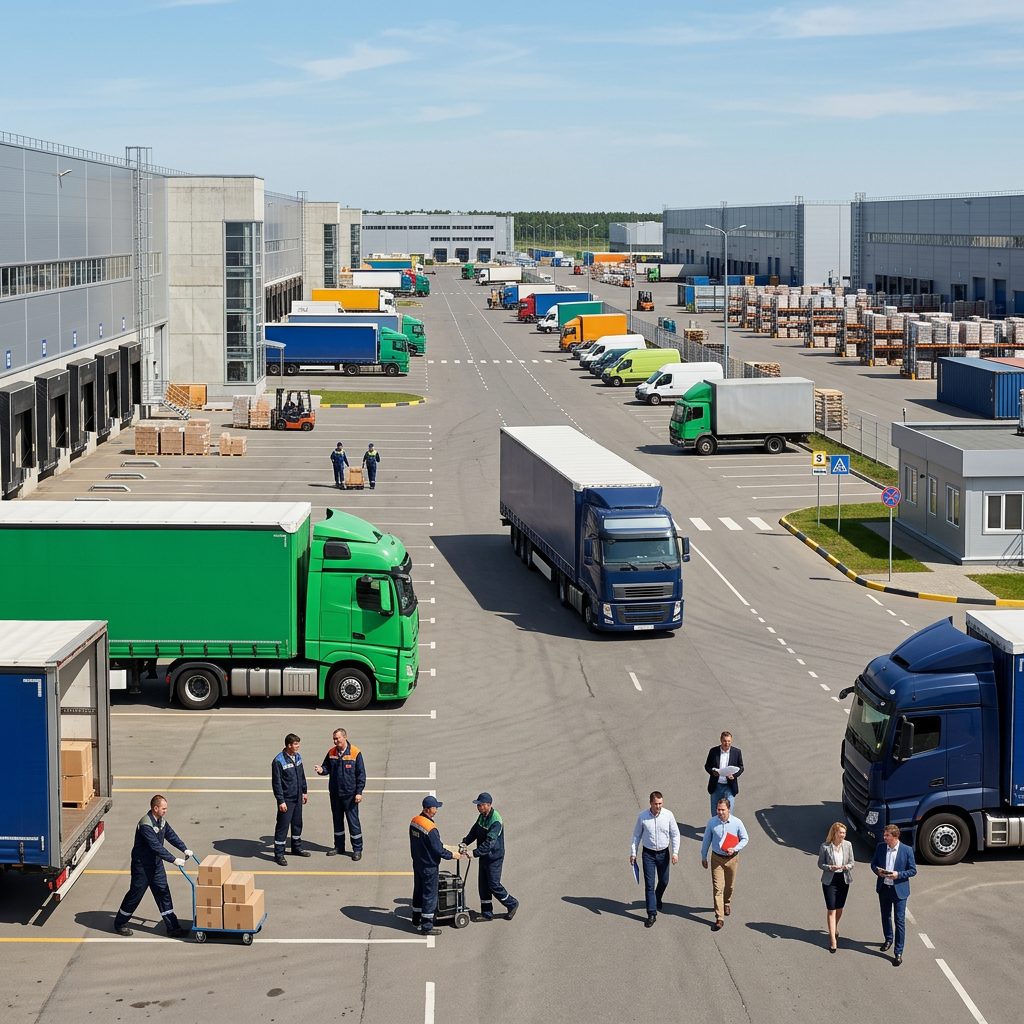
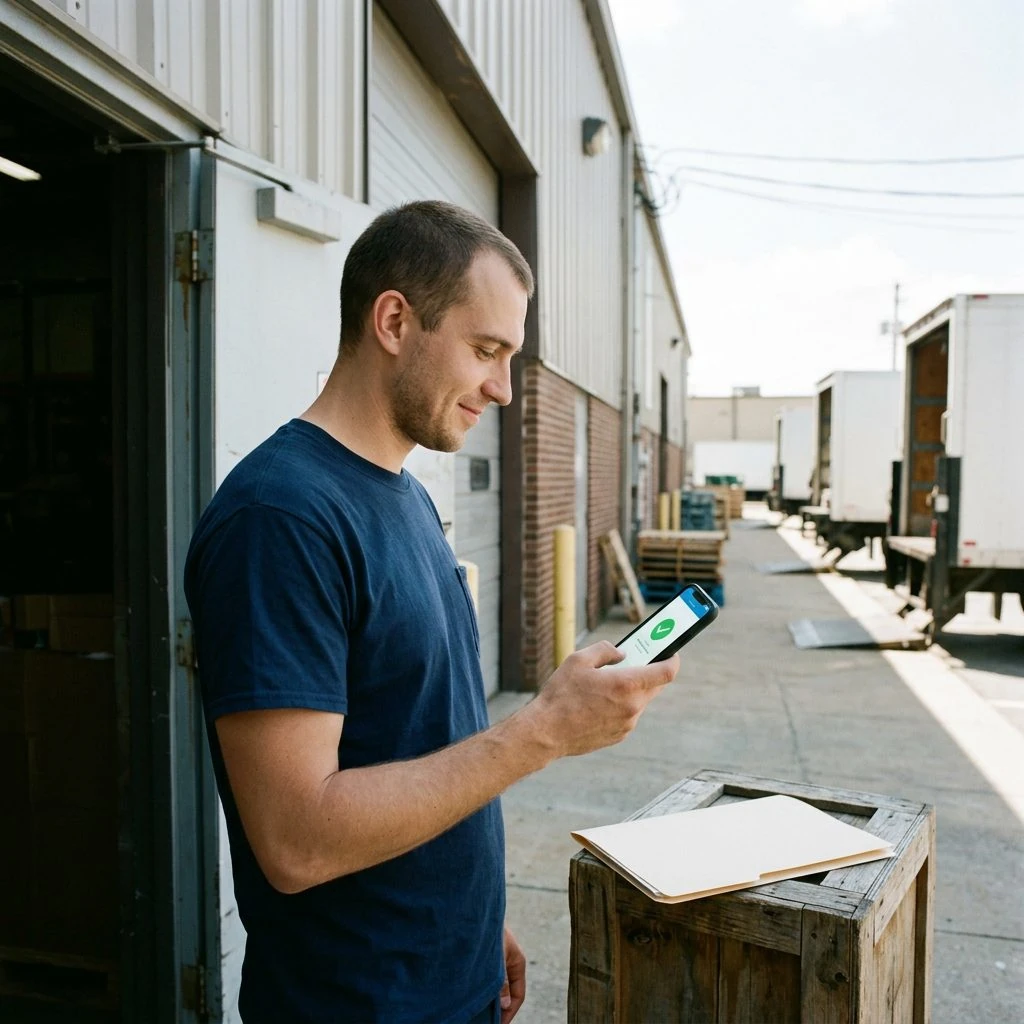
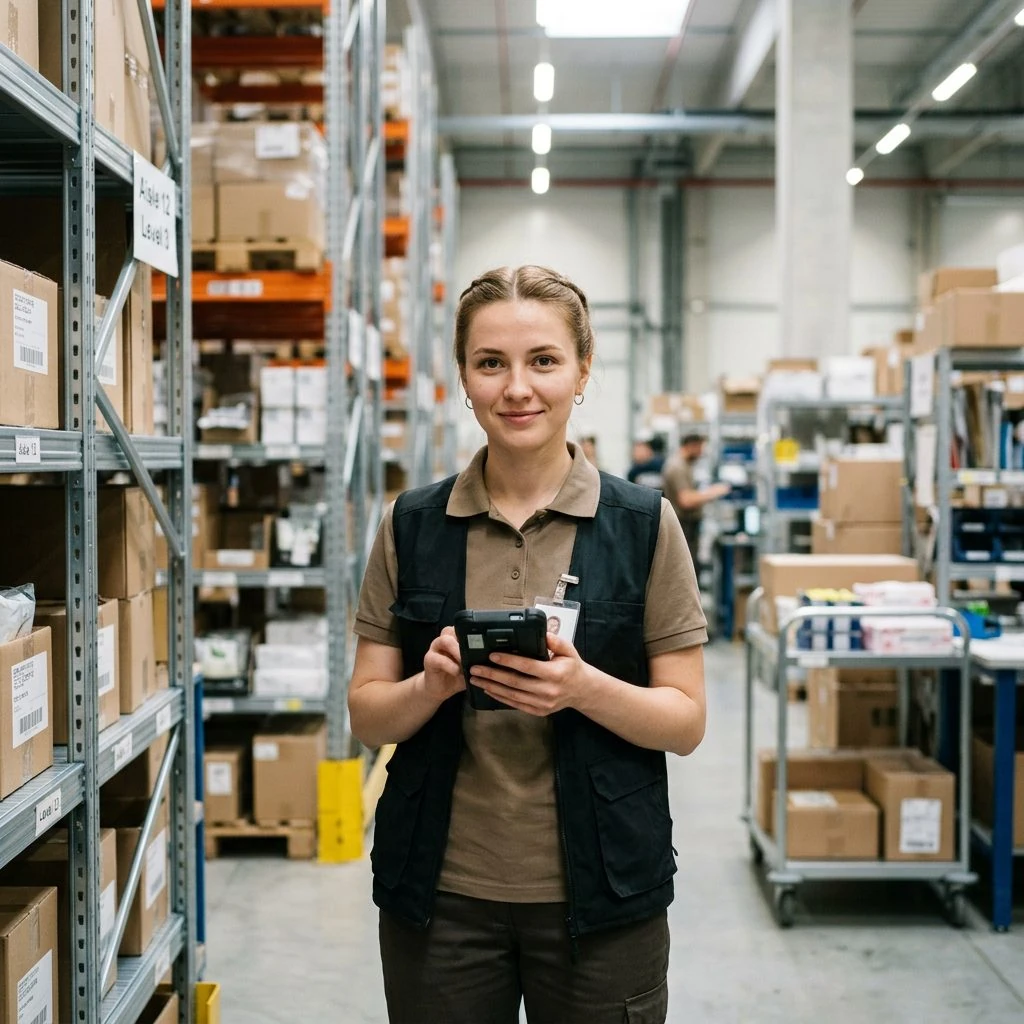
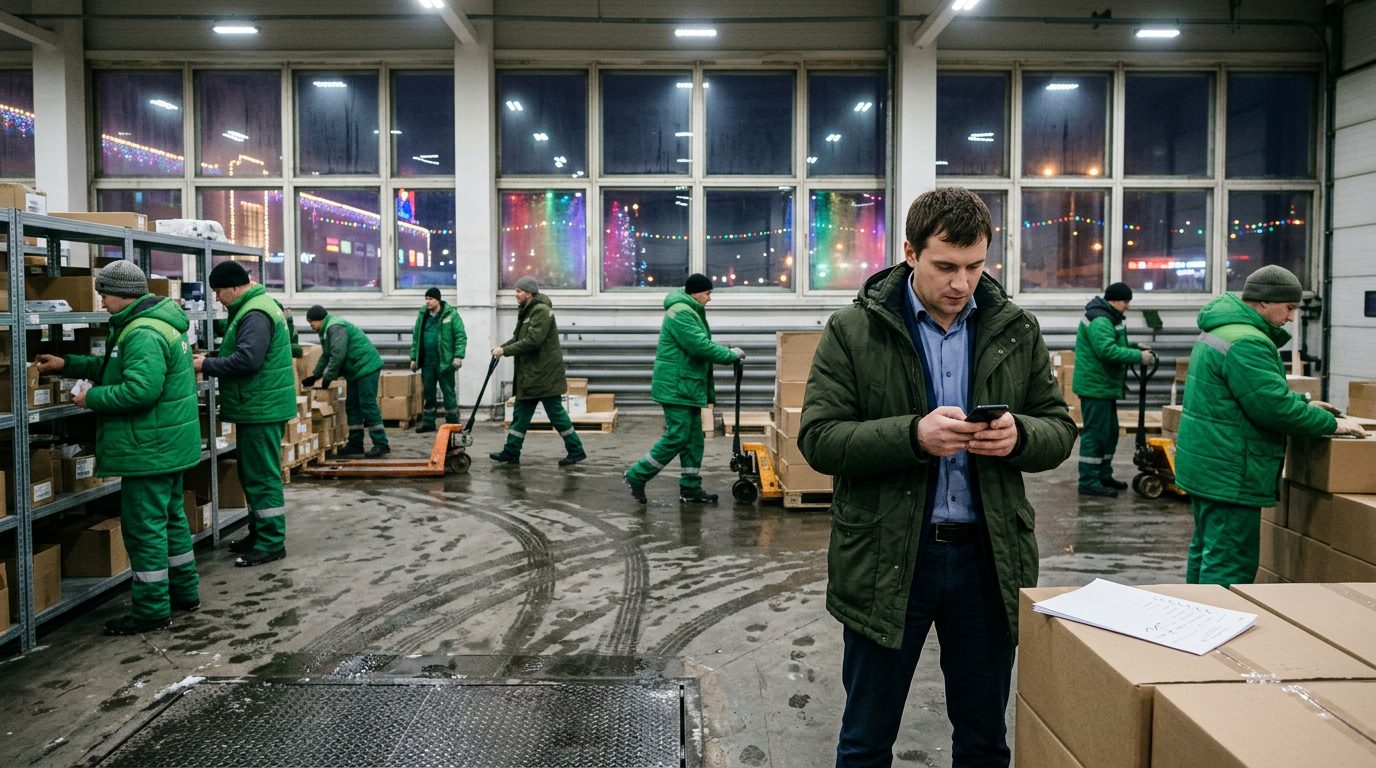
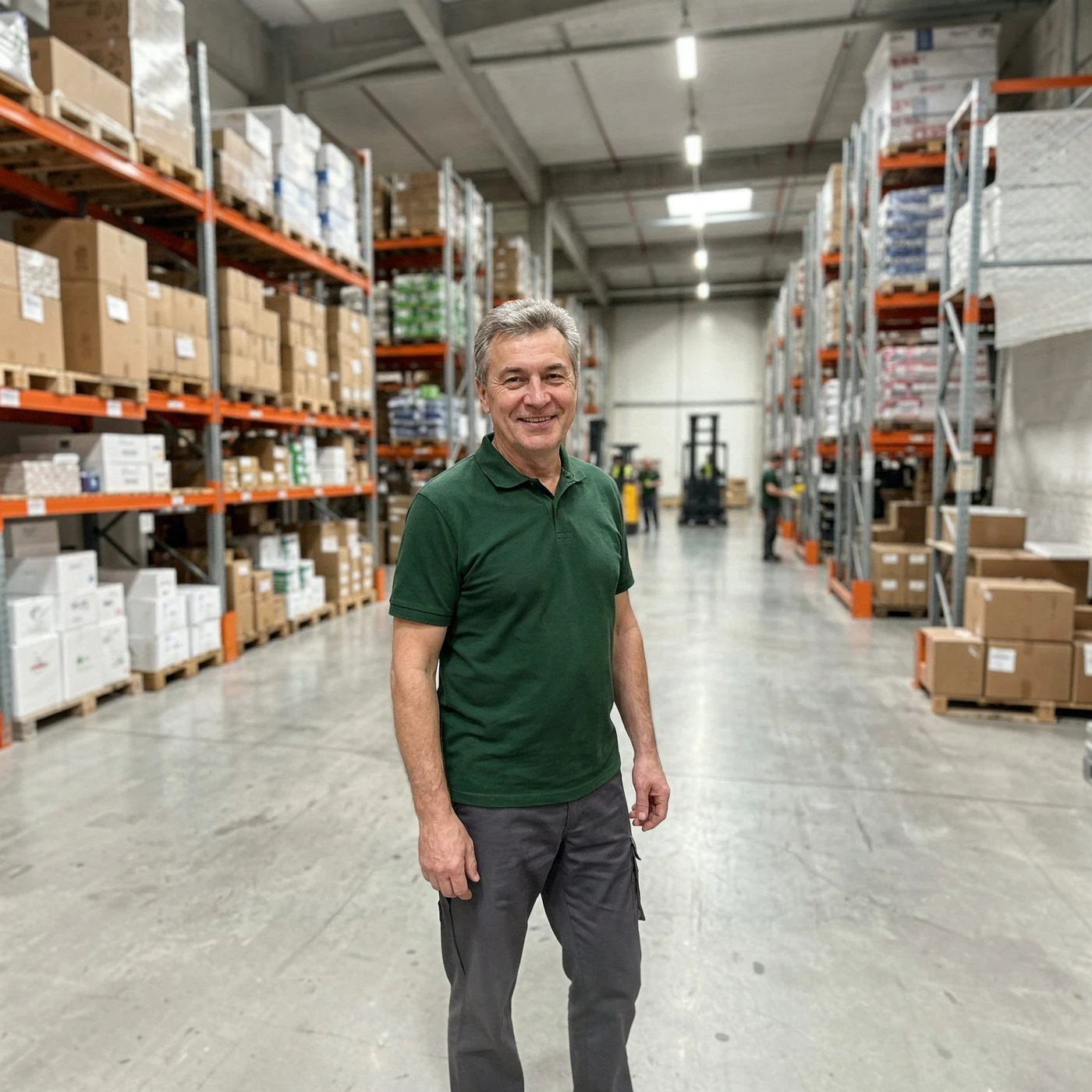
This is the result after the prompts were tuned and the best picks were made: real people in a working environment, with the mood and tone of the scene coming through.

A warehouse worker holding a box
A foreman on the shop floor
Two workers with a tablet
Loading at the terminal
A courier at the door
A woman on the warehouse floor
A crew on the warehouse floor
A worker in a warehouse aisle

Illustrations

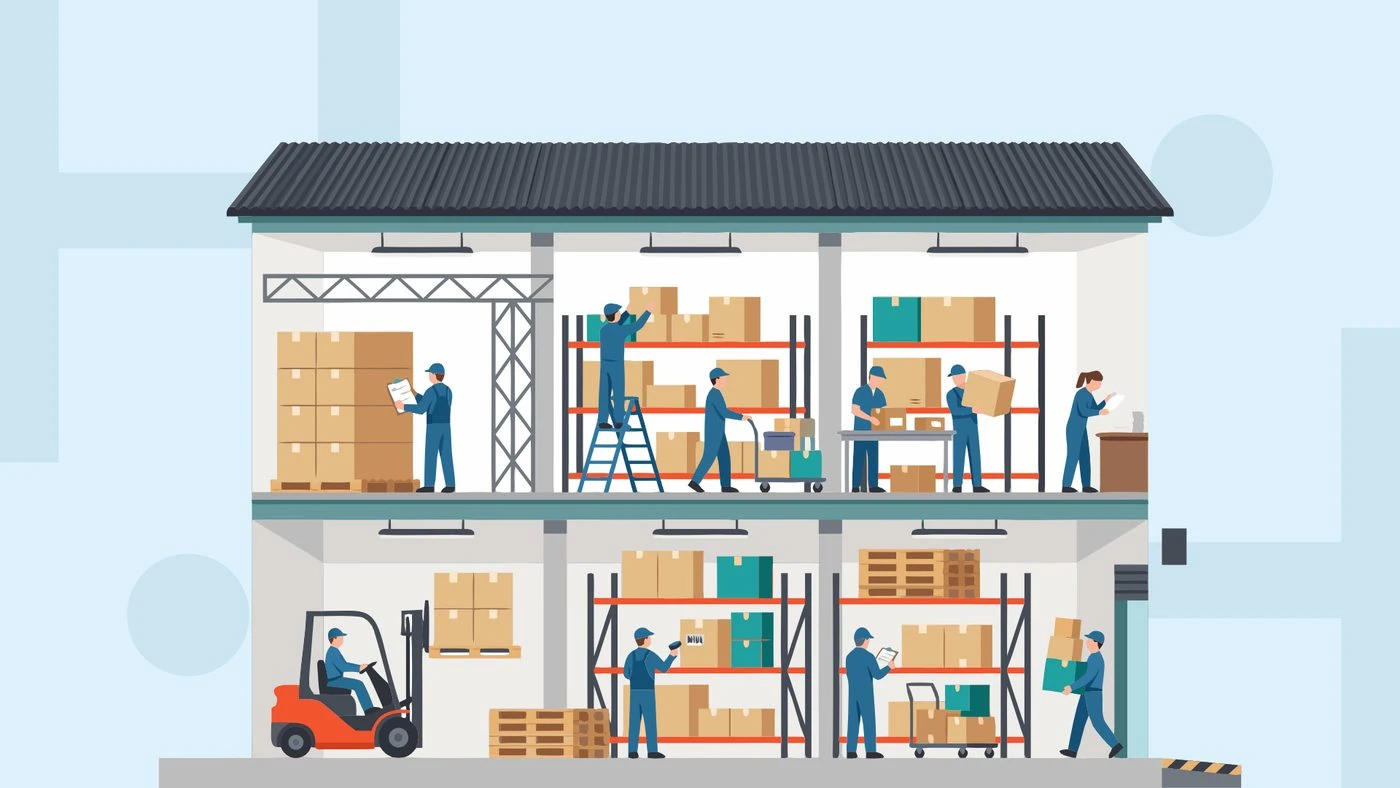
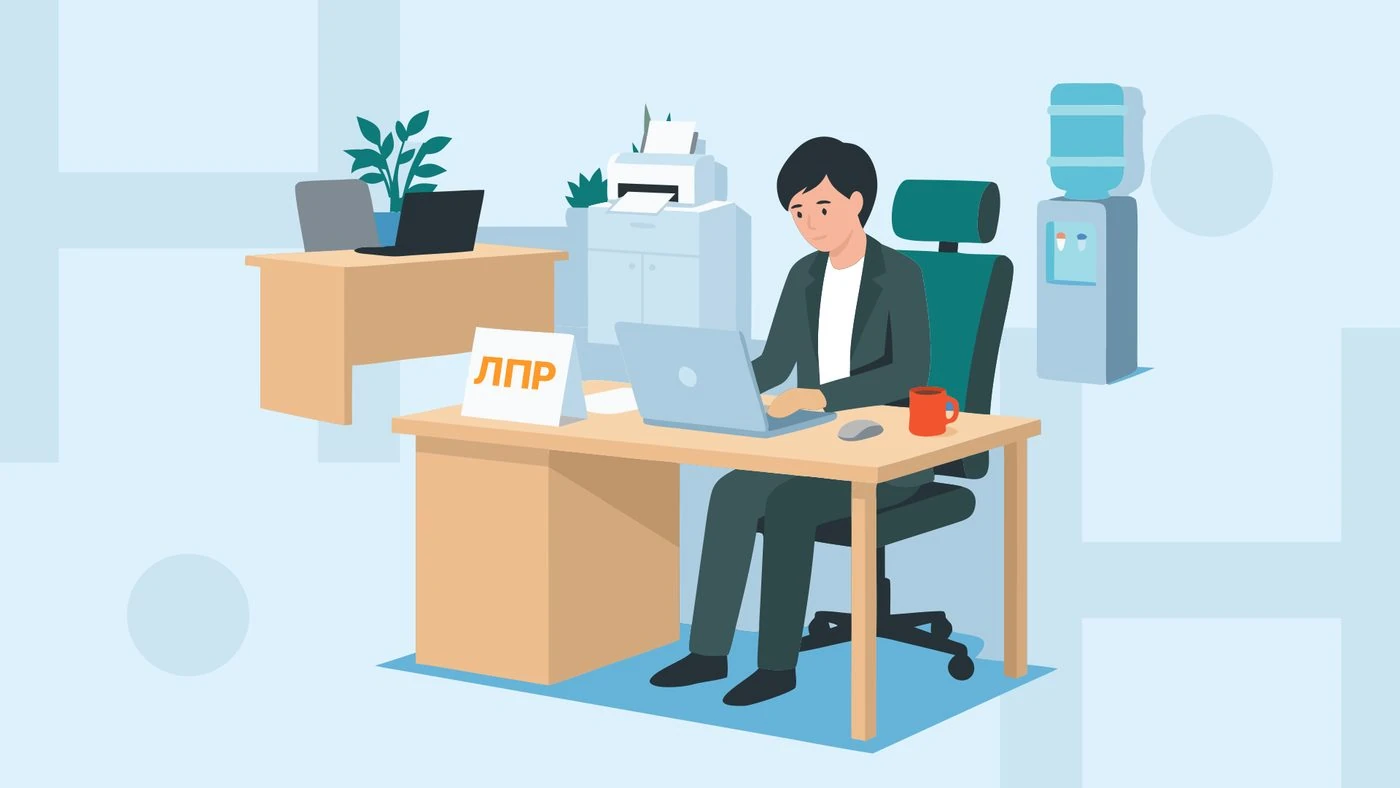
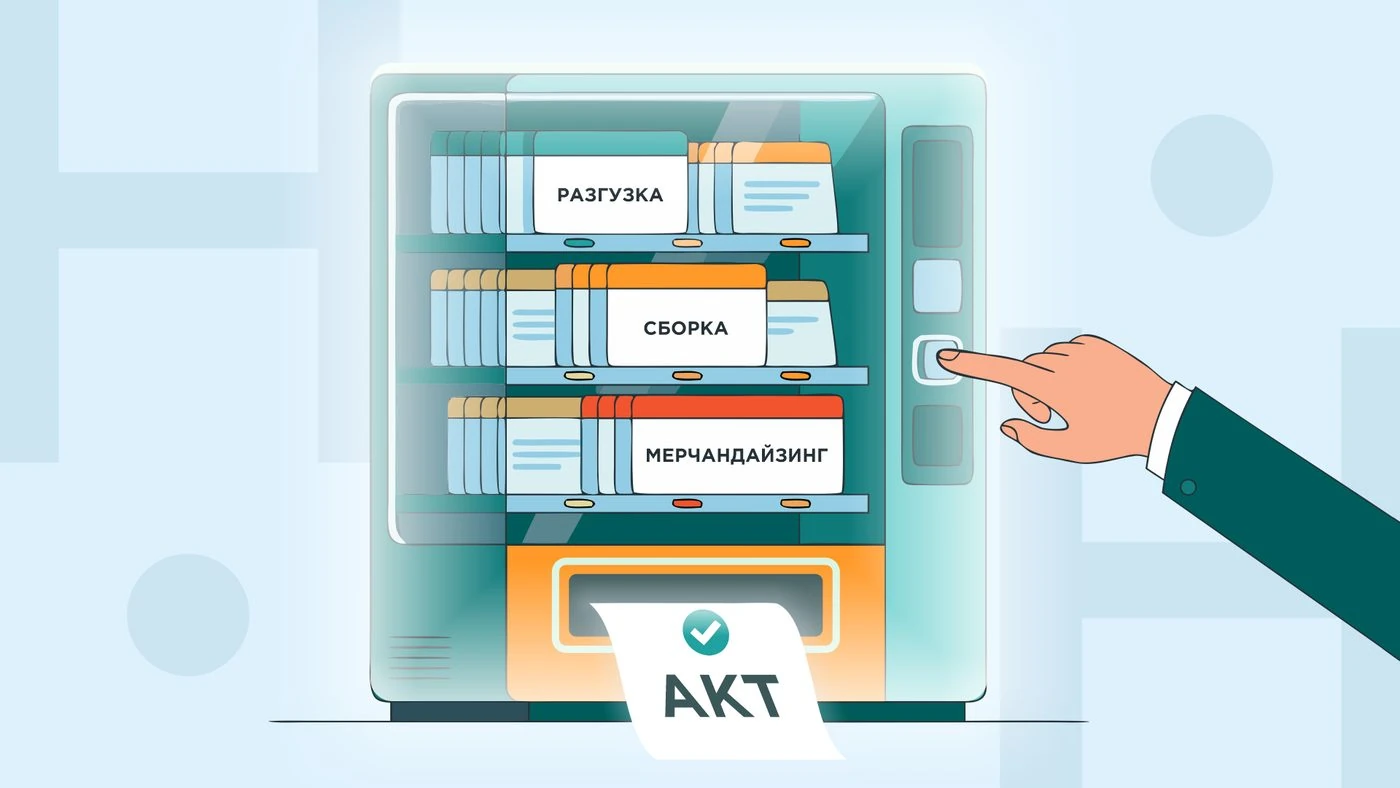
Besides the photos — a set of illustrations in one style: for banners, presentations and diagrams.

Warehouse diagramA manager's deskA work deskA display of documents

What came out of it

Instead of a hundred images that had to be reworked, burning tokens and grinding over them for three days, we reached a strong result in a day with two or three iterations and a minimal number of generations.

Takeaways

AI takes on the volume and the rough work, but without a human who has an eye and a vision of the outcome it produces AI slop. The pairing is what works: the model suggests — the designer selects and refines it with targeted edits.

More projects

Contact

© 2026 Stas Myrov